
Create Professional Biodata Photos
in Seconds
1. Upload Photo
Select any photo from your device
2. AI Enhancement
Background removal & color correction
3. Download
Get print-ready biodata photo
Upload Your Photo
Select a high-quality photo. We'll remove the background instantly.
Editor Tools (v2.0)
How It Works
Create a professional biodata photo in three simple steps. No design skills required.
Upload Photo
Select a clear photo from your device. We support all major formats.
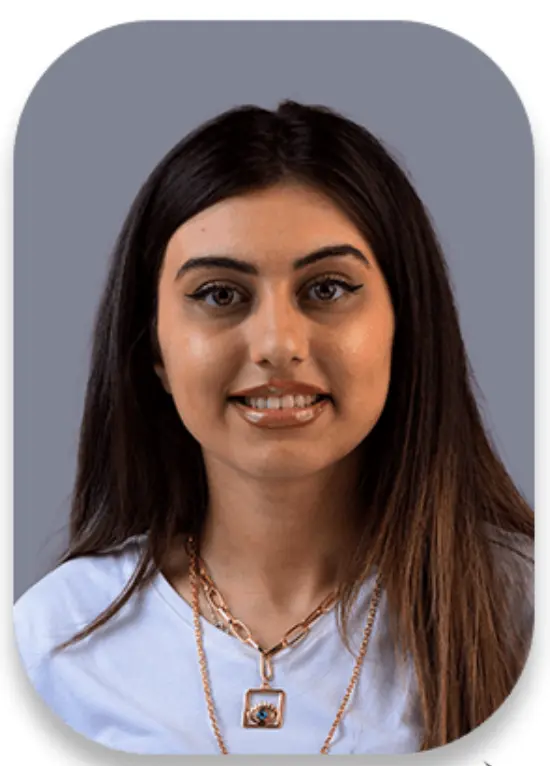
Customize
Remove background instantly and choose a professional color.
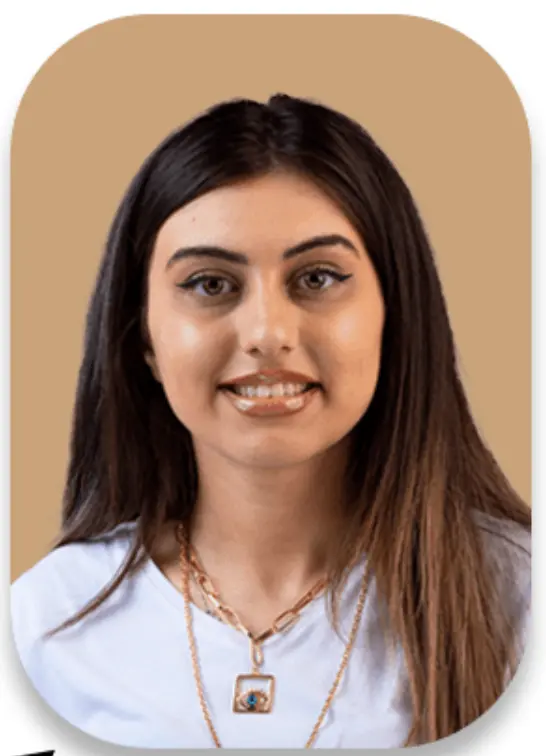
Download
Preview your photo and download in high resolution.
Blink and Boom—
New Profile Pic! 🚀
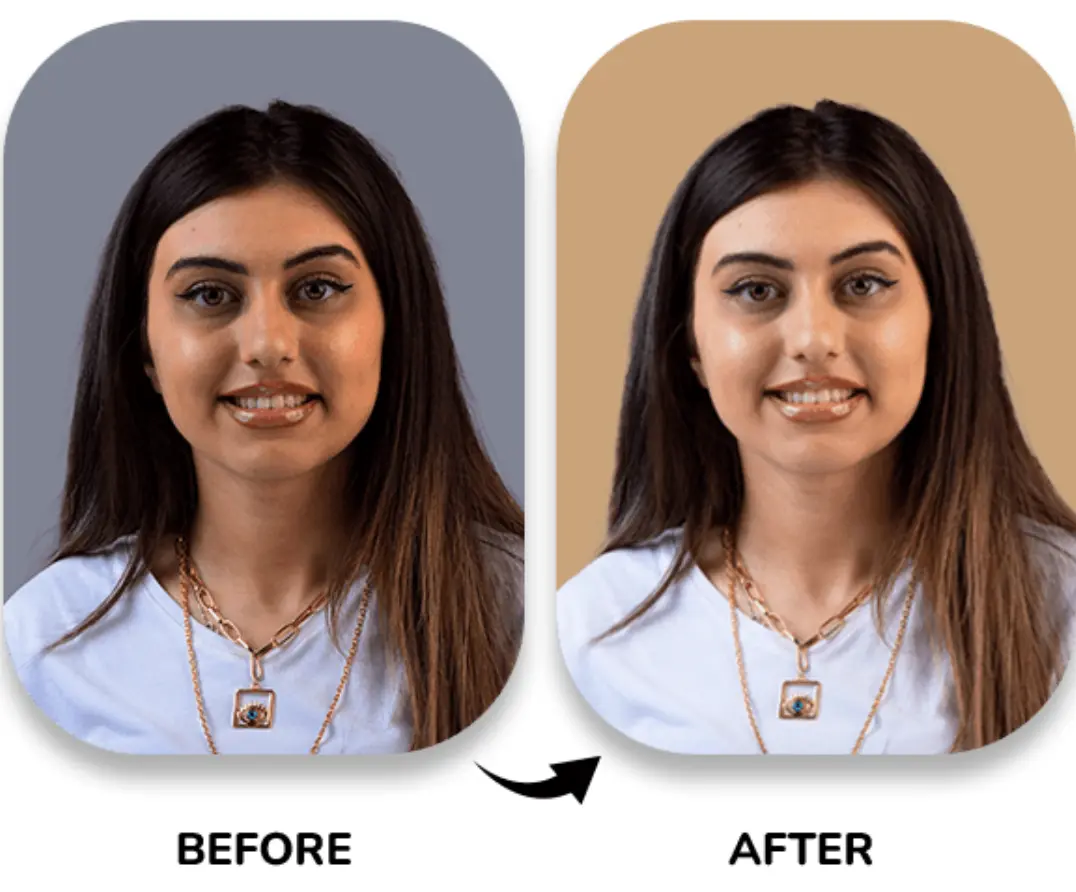
Upload your photo, play with filters, and watch the upgrade happen instantly. Fine-tune it till you say “Wow, that’s me?!” and save your best-ever matrimony photo.
Everything You Need for the Perfect
Biodata Photo
Purpose-built for Indian marriage biodatas. Simple enough for parents, powerful enough for professionals.
Smart Background Removal
AI-powered removal that preserves hair, shoulders, and natural edges. No more messy cutouts.
- Preserves hair details
- Clean shoulder edges
- Natural skin tones
Biodata-Friendly Backgrounds
Pre-selected colors specifically chosen for marriage biodatas. Professional and print-ready.
- White & cream
- Light grey
- Soft pastels
Professional Enhancement
Subtle brightness and contrast correction. Your photo looks natural, not over-edited.
- Auto brightness
- Contrast balance
- No beauty filters
Perfect Crop & Alignment
Auto-centers your face with proper biodata proportions. Fits perfectly in any template.
- Face centering
- Passport ratio
- Template-ready
High-Quality Download
Download in high resolution. Perfect for printing, PDF biodatas, and sharing on WhatsApp.
- No compression
- Print quality
- PDF ready
Ready to Create Your Biodata Photo?
No sign-up needed. Upload your photo and get results in seconds.
Biodata-Approved Background Colors
Carefully selected colors that look professional when printed on paper, shared digitally, or included in PDF biodatas.




Pure White
Most popular for formal biodatas
Cream
Warm, traditional feel
Off-White
Soft, elegant look
Light Grey
Modern, professional
Soft Beige
Warm undertones
Pastel Blue
Fresh, calming
Why these colors? We've tested hundreds of background colors with professional printers and PDF generators. These six consistently produce the best results for marriage biodatas.
Frequently Asked Questions
Everything you need to know about creating your biodata profile photo.
Is the Biodata Profile Maker really free?
Will my photo look unnatural or over-edited?
What photo works best with this tool?
Is my photo safe? Do you store it?
Can I use this photo for my marriage biodata PDF?
Which background color should I choose?
How is this different from a regular background remover?
Can parents use this tool easily?
The Ultimate Guide to Creating the Perfect Biodata for Marriage
Creating an impressive biodata for marriage is the first step towards finding your life partner. Whether you're looking for a marriage biodata format for boy or a marriage biodata format for girl, the presentation matters just as much as the details.
Why Use a Biodata Maker for Marriage?
Gone are the days of manual formatting. A biodata maker for marriage simplifies the process, offering professional templates that highlight your personality. Our free biodata maker for marriage ensures you get premium quality without any cost. You can easily create biodata for marriage that stands out in the pile.
Choosing the Right Biodata Format
The right biodata format for marriage strikes a balance between tradition and modernity. If you are looking for a specific regional style, such as biodata for marriage in Marathi, it's essential to include relevant cultural details. A good biodata template for marriage will guide you on where to place your family background, education, and partner expectations.
How to Make Biodata for Marriage?
- Select a Format: Choose a clean biodata for marriage format that is easy to read.
- Add a Professional Photo: Use our tool to edit your photo. A clear picture is crucial for a free biodata for marriage profile.
- Fill in Details: Be honest and precise about your personal and professional life.
- Download & Share: Once you use our biodata for marriage free tool, download the final output in PDF or image format to share on WhatsApp or matrimony sites.
Complete Your Biodata Journey
Explore our other free tools designed specifically for Indian marriage traditions.
Marriage Biodata Maker
Create beautiful, print-ready marriage biodatas with our easy-to-use templates.
Dowry Calculator
Understand traditional practices with our informative calculator tool.
Partner Compatibility
Check compatibility based on traditional matching criteria and modern insights.
Privacy & Usage Disclaimer
Photo Ownership: You must own or have permission to use any photo you upload. By using this tool, you confirm that you have the right to use and modify the uploaded image.
No Identity Manipulation: This tool is designed for background removal and professional enhancement only. We do not alter facial features, body proportions, or any identifying characteristics. Misrepresentation is not supported.
Intended Use: This tool is specifically designed for creating marriage biodata profile photos. Use for other purposes is at your own discretion.
Data Privacy: Uploaded images are processed securely and deleted immediately after download. We do not store, share, or sell your photos.
Explore Our Other Tools
Discover more free tools to help you with your wedding planning and relationship journey.
Dowry Calculator
Calculate potential dowry risks and legal implications with our AI-powered tool.
Partner Compatibility
Check compatibility with your partner based on modern relationship metrics.
Wedding Hashtag Generator
Generate unique and creative hashtags for your wedding instantly.